
Before the
ink.
Turn a photo or sketch into a tattoo stencil. Refine the lines, then print at the size you set.
Compare a stenciliPhone release pending
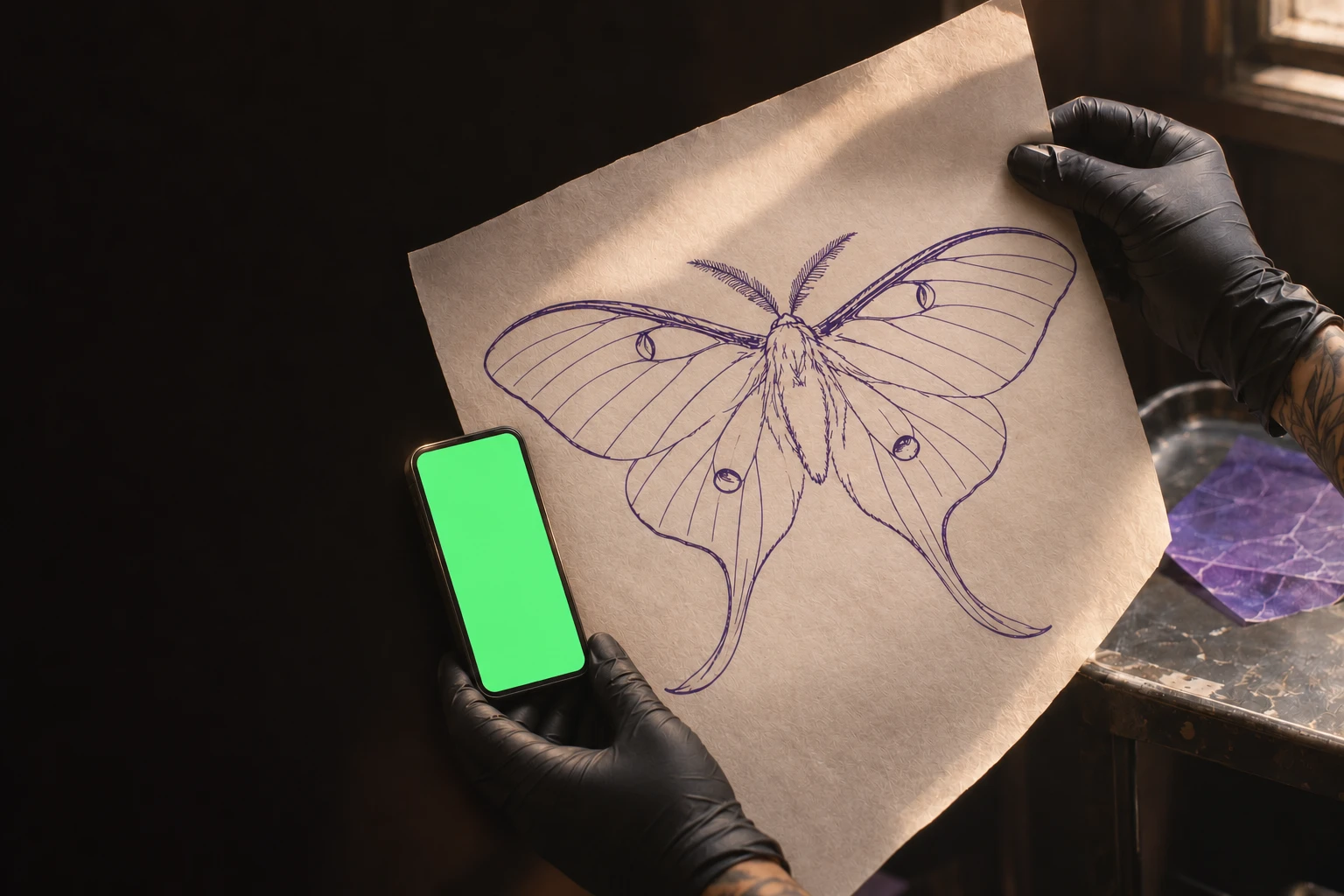
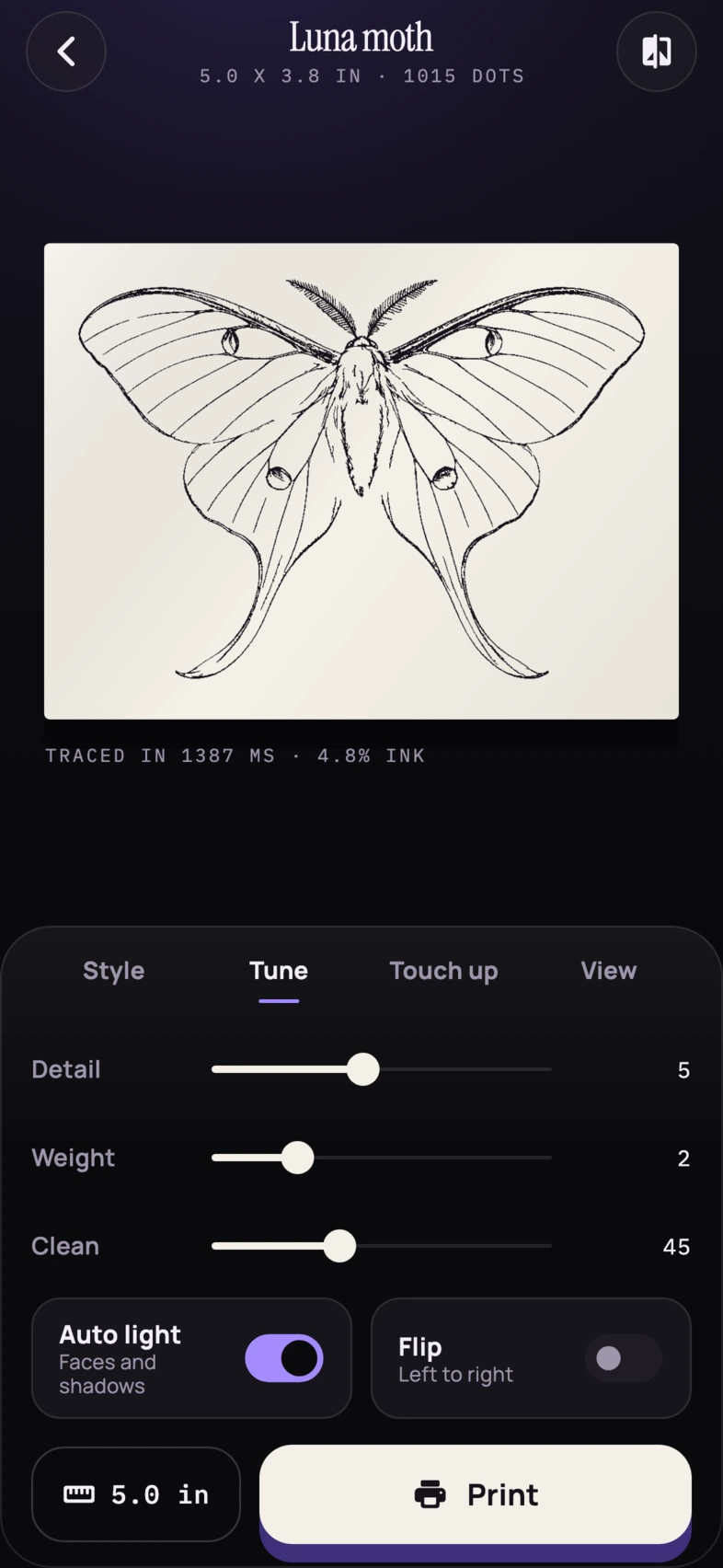
From reference to print
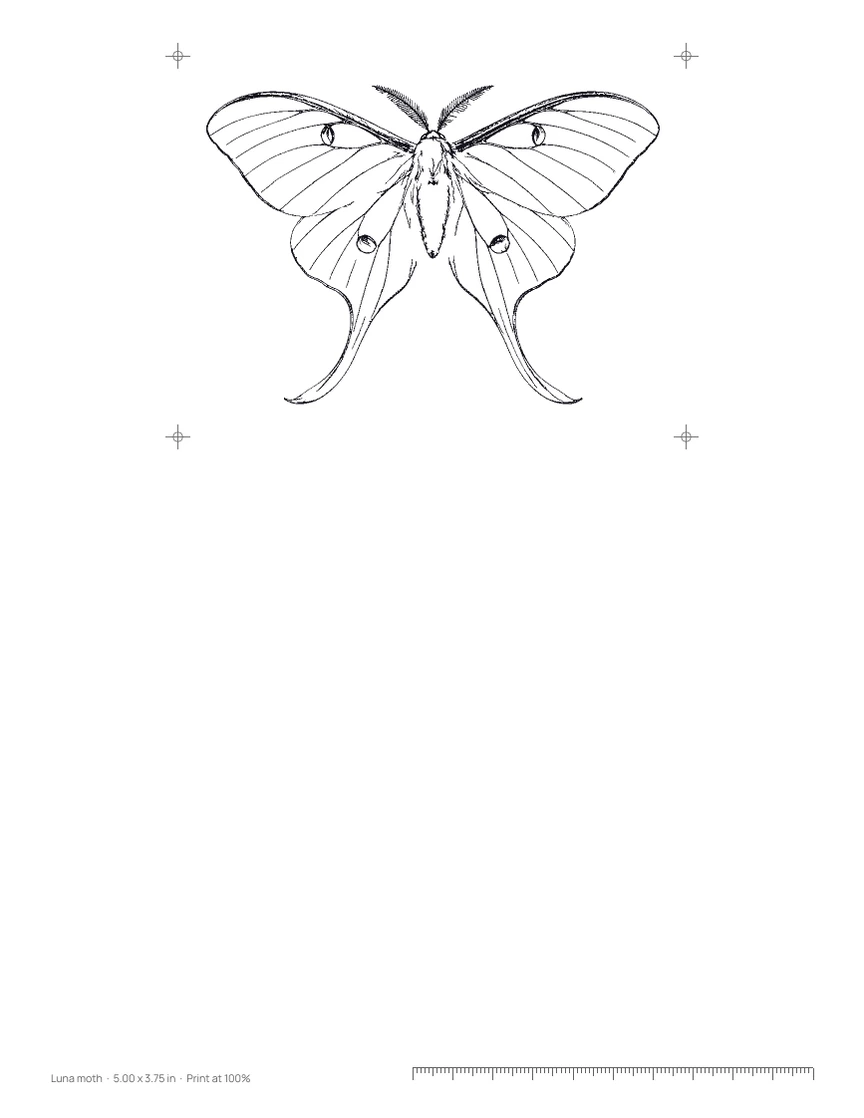
Compare real Keepline linework, see the editor, then open the sample PDF.


Printer support
Open sample PDFStudio questions
Can I resize or mirror my stencil?
Yes. Set width in inches or centimetres, mirror the design for transfer, or tile a larger stencil across sheets.
What can I use as a reference?
Import a photo, sketch, or flash from your device. Choose Line, Line + shade, Realism, or Lettering, then adjust the line weight, detail, and cleanup.
Do reference photos leave my device?
Keepline processes reference images and stencils on your device. Optional Studio sync applies to client and consent records.